A Tesla that won’t start in a Chicagoland cold is usually a frozen charge port, an iced handle, or a dead 12V. Seven checks before you book a tow save the flatbed ride and get you moving again.
Why a no-start here is rarely the pack
The traction pack under the floor is what moves the car. It also keeps itself warm enough to take a charge, except in deep cold. A Model Y with 80 percent in your garage does not refuse to start because the pack is empty. It refuses to start because something smaller is blocking it.
The pattern across this metro is well known. Frozen charge ports after a slushy night on Lake Shore Drive. Iced door handles on a Berwyn street after a polar vortex week. A 12V that died on the third cold morning in a row in an Oak Park garage. None of those need a flatbed. All of them need a few minutes of work.
Step 1: check the charge port for ice
A Model 3 charge port can freeze shut overnight. The door won’t push in, or the cable won’t seat. Slush from a Kane County road spray can pack into the port area. Don’t force the connector. Don’t pry the door with a metal tool. You can scratch the paint or break the latch.
A hair dryer on low heat, held a foot away, melts the ice in a few minutes. A can of warm water also works, but wipe the port dry before you plug in. Water in the connector can throw a fault code. Once the door is free, leave it open for a minute to dry.
Step 2: warm the handles
Model 3 and Model Y handles are flush in cold weather. They sometimes stick after an ice storm. The handles don’t extend, so the door won’t open. Don’t pull hard. The plastic can crack.
A few seconds of warm breath on the handle can free it. So can pouring warm water over the handle and waiting. Wipe the area dry before you pull. A handle that still sticks after warming isn’t ice. It’s a 12V fault. Move to the next step.
Step 3: try the key card, not the app
If the handles don’t extend, the phone app stays quiet, and the key card does nothing, the 12V is suspect. Phones sometimes lose connection in cold weather. The Tesla app also depends on the car’s modules being awake. A key card that does nothing is a stronger signal than an app that does nothing.
Step 4: open the frunk with the manual release
If you have a Model S or Model X and the frunk won’t open, look in the front wheel well. Pull the orange or yellow loop once for the primary latch, then once more for the secondary. That opens the frunk without power.
On a Model 3 or Model Y, the frunk has a manual release under the hood trim. Tesla’s app walks you through it for each model year. A dead 12V means the frunk motor has no power, but the manual release still works.
Step 5: jump the 12V from the bumper or the frunk
Model 3 and Model Y have a bumper post under a small cover. Pry the cover at the notch. You’ll see a red positive post and a chassis ground nearby. Use a portable lithium jump pack. Clip red first, then black to ground. Wait a moment. Try the key card or a handle. Pull black first, then red once the screen is up.
Model S and Model X use the frunk terminals. Lift the carpet and the foam insert. The posts are labeled. Same clamp order. Reflash the car’s computers with a short drive or a plug-in. The DC-DC converter tops the 12V from the high-voltage pack once the car is awake.
Step 6: tell a dead 12V from an empty pack
A black screen and silent handles mean the 12V. A lit dashboard that warns about range means the pack. A jump wakes the 12V but adds no miles. A boost adds range but doesn’t help a black screen.
If the screen comes up after a jump and says zero, you need a 240V boost, not another jump. The 12V is fixed. The pack is the problem.
Step 7: call for the right help
If the steps above got you moving, drive to the nearest charger. Plug in, then check the 12V soon. If the car still won’t wake, the 12V is past jumping. An operator replaces it on site.
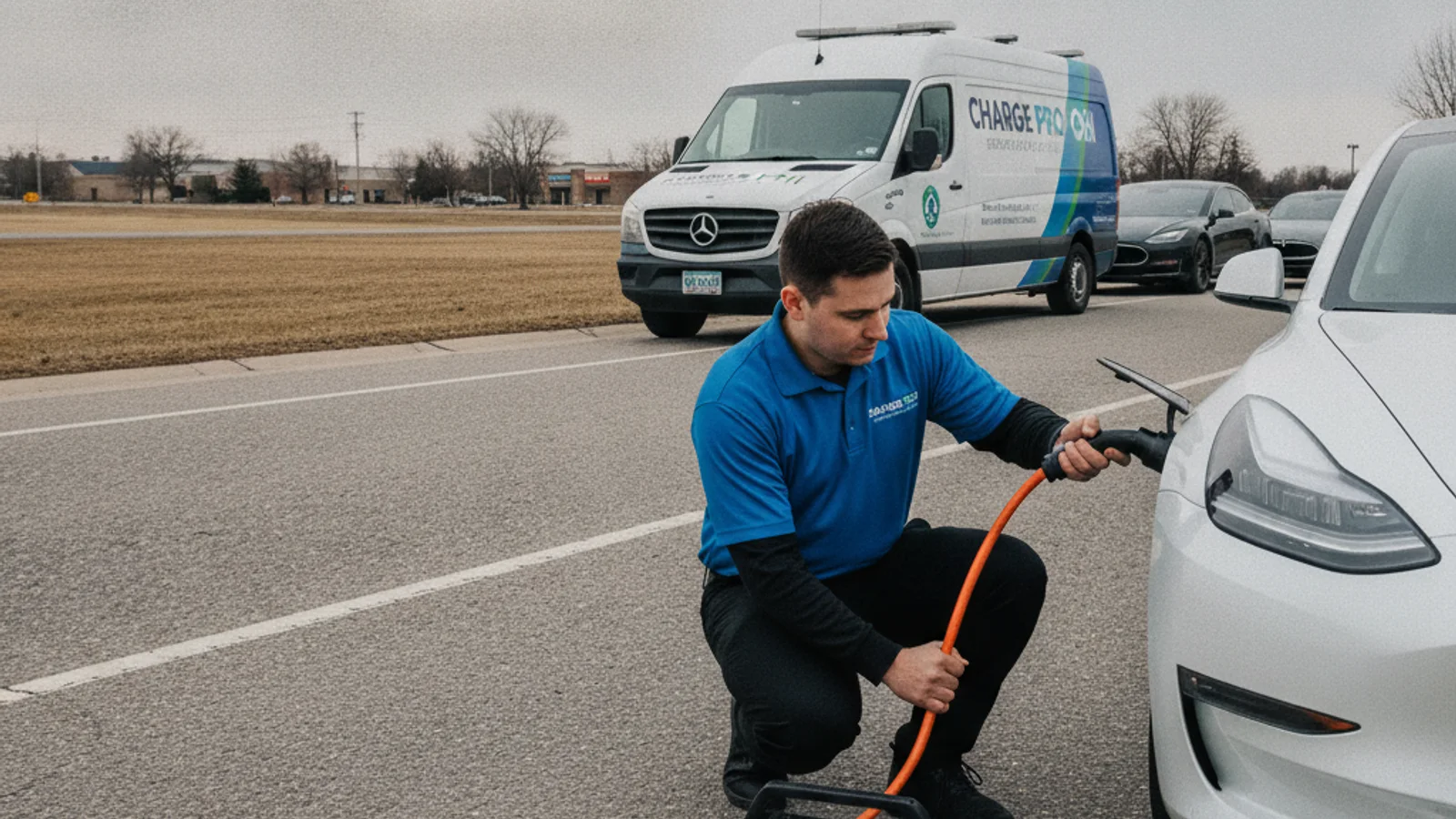
If the pack is empty and the car wakes, call for a mobile Level 2 boost. The operator typically adds 10 to 20 miles in 15 to 30 minutes of charging. That’s charging time, never an arrival promise.
If the car won’t shift out of park, can’t release the parking brake, or the screen is stuck on a reboot loop, that’s a tow. Don’t fight it. The local operator we connect you with knows Tesla tow mode. They strap the wheels and flatbed it to a Tesla-rated shop.
When to stop and call
Stop DIY if any of this is true:
- The bumper cover or frunk trim is damaged.
- You aren’t sure which post is positive.
- The car wakes, then dies again right away.
- You are in a live lane, a tight garage, or on a steep shoulder.
Wrong clips damage body modules. Guessing is not a save. Charge Pro CHI is a referral line. We match stranded Tesla drivers with independent local mobile rescue operators. Those pros jump or replace a dead 12V, or bring a 240V source for an empty pack. They quote you before they start, and they bill you directly. We don’t own trucks. We don’t employ technicians. We don’t set prices.
When to call Charge Pro CHI
If the seven steps didn’t get you moving, call. Driveway, street, garage, or shoulder, the operators we match do this work. Call (858) 925-5546 and we’ll match you with a local operator.