Tesla roadside assistance is a support plan. It isn’t a promise that a Level 2 charger will meet you. Stall on the Kennedy or in a Naperville lot and the real question is coverage. Tesla’s current terms may not include a range boost. Open the app before you treat that as settled.
Enough for a flat isn’t enough for an empty pack
Tesla’s roadside channel and a mobile charge aren’t the same service. A flat tire, a lockout, or a tow is one kind of request. An empty high-voltage pack in a Schaumburg garage is another.
We couldn’t confirm a current, complete list of problems Tesla roadside will handle. Tesla’s app and Tesla’s own support pages are the sources that count. Read the terms shown for your VIN and location before you submit a request.
A car that won’t move can be three different jobs. The pack can sit at zero. The 12-volt battery can be too weak to wake the car. A tire can be shredded on the Dan Ryan shoulder. Those jobs need different trucks. Tell a dispatcher the Tesla just needs a jump and you may get the wrong help.
Coverage also isn’t the same as cost. We couldn’t confirm that Tesla pays for every request, every suburb, or every type of work. Ask who bills you if the displayed terms skip a Level 2 boost.
What a Level 2 boost actually does
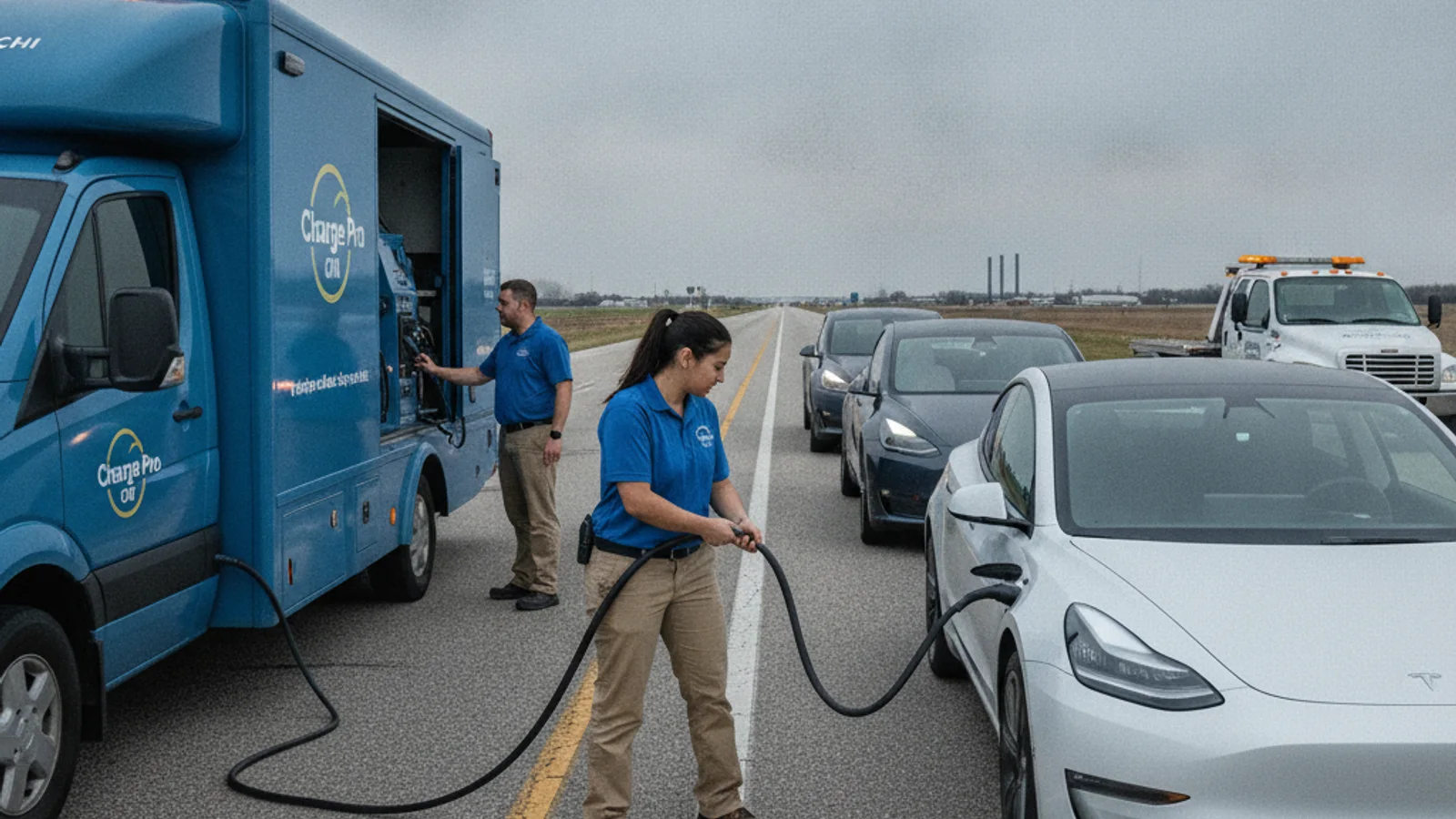
Independent local operators bring a 240-volt Level 2 source to the car. On a Tesla they use a native NACS plug. Non-Tesla EVs use a CCS or J1772 adapter. They typically add 10 to 20 miles of range in 15 to 30 minutes of charging. That’s charging time, never a promise of when anyone arrives.
That range is often enough to reach a Supercharger or a home wall connector. It’s a different tool from a flatbed. If Tesla’s current path only offers a tow, look at a local Tesla roadside rescue. That route can match an empty pack better.
Charge Pro CHI doesn’t own trucks and doesn’t perform the work. We connect you with licensed, independent local operators. The operator inspects the car, quotes you before starting, and bills you directly.
How Chicagoland stalls actually look
A stall here is rarely one generic scene. On the Kennedy, the Dan Ryan, or the Eisenhower, you may sit on a shoulder with fast traffic. On Lower Wacker the GPS pin is often useless. Name the level, the nearest ramp, and the travel direction.
In Evanston, Skokie, or Wilmette, the car may sit on a tight residential block. In Naperville, Wheaton, or Downers Grove, a long day of parking is a common setup. In Joliet or Aurora, you may be off I-80 or the Reagan Tollway with little room to wait. In Waukegan or Gurnee the same empty-pack problem can show up after a Lake County drive. In Oak Park or Berwyn you may be boxed into a narrow street with no easy pull-off.
None of that tells Tesla what to send. You still have to describe the failure. Say whether the screens are on. Say whether the car will shift. Read the exact warning from the display or the app.
Don’t guess charger distance from the driver’s seat. Ask for the service that matches the car, not a map guess. Chicago alone has more than 2.7 million people across a dense Cook County grid. A pin that says Chicago can still be the wrong deck, the wrong garage, or the wrong direction of travel.
Check the Tesla app before you assume coverage
Open the Tesla app tied to the stranded car. Look for the current Roadside or support area. If a request option appears, read every condition on that screen. A button that says roadside assistance doesn’t prove a Level 2 boost is on the menu.
Hours and coverage are separate questions. A request channel can be visible while your exact problem sits outside the terms. Don’t treat an old search result, a saved phone number, or a forum post as the current policy.
Our guide to what Tesla roadside assistance covers here is a starting point for the questions to ask. It doesn’t replace the terms Tesla shows you today. For the difference between a tow path and a charge path, read Tesla roadside coverage versus a range boost.
Have a precise location ready before you tap submit. On I-90 isn’t enough. Note the Jane Addams or Kennedy name, the direction, the nearest exit, and whether you’re in a lane, on a shoulder, in a garage, or in a lot. In Elk Grove Village or Hoffman Estates, a building name and a lot letter beat a street number. In Cicero or Chicago Heights, name the cross street you can actually see.
Take screenshots of the request and any confirmation. Save the provider name, the terms, and the next step shown on your screen. If the request stalls or disappears, go back to Tesla’s current official support channel. Don’t keep retrying a number copied from an unsourced directory. Our note on the Tesla roadside phone number and a local backup covers what to prepare for either route.
Describe the Tesla in plain words. State whether the screens are active, whether it shifts into gear, and what message is on the display. Mention visible tire damage, smoke, unusual heat, collision damage, or a blocked traffic lane. Don’t open electrical covers or try repairs beside moving traffic.
If the car is in an unsafe spot
Treat traffic danger as an emergency, not a coverage debate. If the Tesla is blocking a live lane, or someone is hurt, call 911. Follow the responders at the scene.
If you can move the car without adding risk, get it out of the travel lane. Don’t push, charge, or inspect a Tesla from a live expressway lane. Conditions change fast on the Tri-State, the Reagan Tollway, and the Bishop Ford.
Use the hazard lights if they work. Share the shoulder side, mile marker, and nearest signed exit. A map pin helps. A written description still matters when the pin drops on the wrong deck of Lower Wacker.
Your safest move depends on the scene. A narrow shoulder, a collision, a fire concern, or fast traffic can change the next step. Don’t follow generic advice that conflicts with emergency personnel standing there.
Once the scene is stable, decide what the car actually needs. A tow, a 12-volt jump, tire service, and a Level 2 boost aren’t interchangeable. Our out of charge on the Kennedy checklist is built for documenting a highway stall without opening high-voltage parts yourself.
When a local operator is the better match
A local operator is worth considering when Tesla’s app doesn’t offer a charge path. It also matters when the displayed terms skip a depleted pack. You may simply want a 240-volt boost quoted on the spot.
Tell the operator the model, the warnings on the screen, and the pack status if you can see it. Say whether the car is in a garage, a mall lot in Orland Park, or on a shoulder near Oak Lawn. Accessibility changes what equipment they can use.
Ask what they will actually do. Confirm whether they plan to charge, jump the 12-volt, or tow. Get the quote and the payment terms before anyone starts. Keep the record the operator gives you.
For help beyond Tesla’s program, review mobile EV charging and EV roadside assistance. Charge Pro CHI only makes the introduction. The independent operator performs the work and sets the terms.
If you need a local connection
Call when your Tesla is stranded in Chicagoland and you want help finding a mobile EV rescue operator. We don’t promise availability or an arrival time. The operator confirms the service and the quote directly.
Call (858) 925-5546 and we’ll connect you with a local EV rescue operator.